How to track Air Canada Cargo cargo
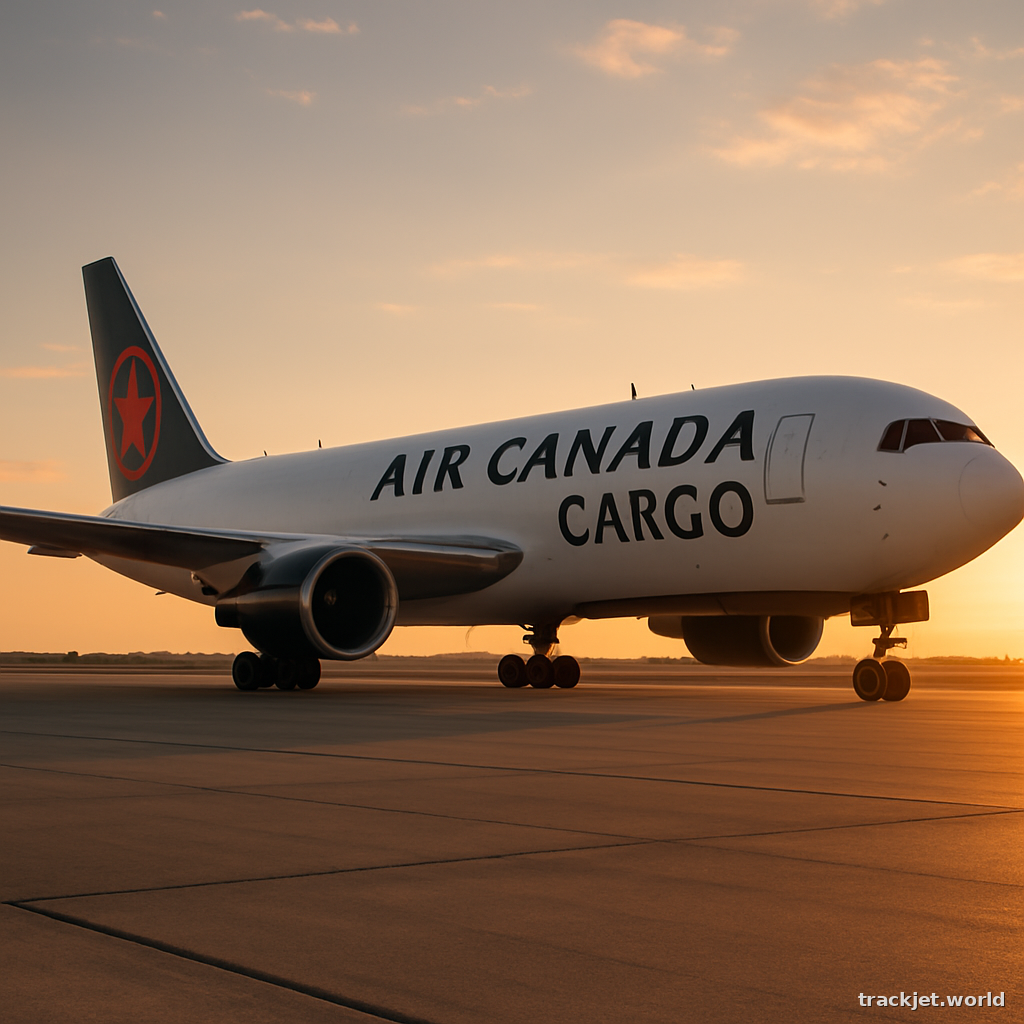
How to track Air Canada Cargo cargo
1. Find your MAWB
To track your Air Canada Cargo shipment, you'll need to find your Master Air Waybill (MAWB) number. This is usually provided by Air Canada Cargo or their partner when you ship your cargo. The MAWB number is essential for tracking your shipment, so make sure you have it handy. It should be in the format 014-XXXXXXXX.
2. Format the number
Double-check that your MAWB number is in the correct format: 014-XXXXXXXX. If it's not, you might need to add the Air Canada Cargo prefix (014) to the beginning of the number.
3. Open the carrier site
Now that you have your MAWB number, you can track your shipment on the Air Canada Cargo website. Open a web browser on your device (this works on both desktop and mobile) and go to trackjet.world/airline/air-canada-cargo. Alternatively, you can also paste your MAWB number directly on trackjet.world to start tracking.
4. Enter your MAWB number
Once you're on the Air Canada Cargo tracking page, enter your MAWB number (014-XXXXXXXX) in the tracking field. Make sure to type it in correctly, as a single mistake can lead to incorrect results.
5. View your shipment status
After entering your MAWB number, you'll be taken to a page that displays the current status of your shipment. This page will show you where your cargo is, when it was last updated, and any other relevant details. If your shipment is still in transit, you might see a "in transit" or "en route" status. If it has arrived, you'll see a "delivered" or "available for pickup" status.
6. Check for updates
If the carrier site shows that your shipment has not been updated yet, don't worry. This is normal, especially if your shipment has just been sent. Try checking back later, as the status should update as your cargo moves through the system.
7. What if it doesn't work?
If you're having trouble tracking your shipment, here are a few things to check:
- Make sure your MAWB number is correct and in the right format (014-XXXXXXXX).
- Check that you've entered the number correctly on the tracking page.
- If you're still having trouble, try contacting Air Canada Cargo customer support for assistance.
- If your shipment is very new, it might take some time for the tracking information to become available. Try checking back later to see if the status has been updated.
Updated 2026-06-27