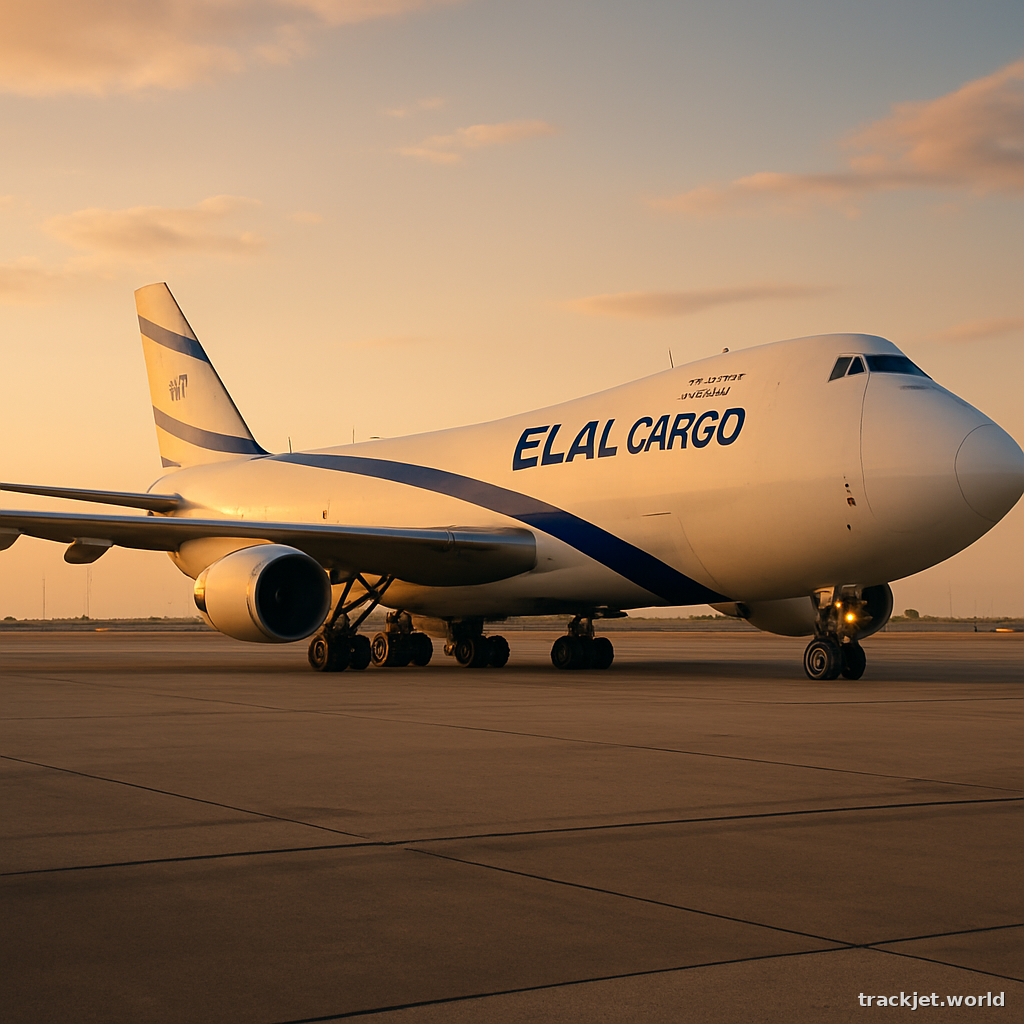
How to track LATAM Airlines Group cargo

How to track LATAM Airlines Group cargo
1. Find your MAWB
To track your LATAM Airlines Group cargo, you'll first need to find your Master Air Waybill (MAWB) number. This is usually provided by the airline or shipping company when you book your cargo. The MAWB number is very important, as it's used to identify your shipment. The format of the MAWB number is 045-XXXXXXXX, where "045" is the prefix for LATAM Airlines Group, and "XXXXXXXX" is a unique series of numbers.
2. Format the number
Make sure you have the complete MAWB number, including the "045" prefix, and that it's in the correct format: 045-XXXXXXXX. Double-check that there are no extra spaces or characters.
3. Open the carrier site
Now that you have your MAWB number, you can track your cargo. Open a web browser on your desktop and go to trackjet.world/airline/latam-cargo. Alternatively, you can go directly to trackjet.world and paste your MAWB number into the search bar.
4. Enter your MAWB number
On the LATAM Airlines Group cargo tracking page, enter your MAWB number in the format 045-XXXXXXXX. Make sure to type it in correctly, with the prefix and the unique numbers. Then, click the "Track" or "Search" button.
5. View your cargo status
If the tracking information is available, you'll see the current status of your cargo, including its location, any recent updates, and an estimated delivery time. You might also see a map showing the route your cargo has taken.
6. What to do if there's no data yet
If you don't see any tracking information, it might be because the data hasn't been updated yet. Try checking back later, as the status of your cargo is updated regularly. You can also contact LATAM Airlines Group directly to ask about the status of your shipment.
7. What if it doesn't work?
If you're having trouble tracking your cargo, here are a few things to check:
- Make sure you've entered the MAWB number correctly, with the "045" prefix and the unique numbers.
- Check that you're on the correct tracking page for LATAM Airlines Group.
- If you're still having trouble, try clearing your browser's cache and cookies, or try using a different browser.
- If none of these steps work, you can contact TrackJet support for help.
Updated 2026-06-19